A flat-hunting app
Your flat hunt, organised.
Save every flat you’re considering, whether it came from a portal, a broker or a To-Let board on your walk home. See what each one really costs and how far it is from your office, then take each one to a decision.
- No ads
- Works offline
- Shared links expire in 6 hours
20 listings. 6 brokers. 1 overflowing gallery.
Hunting for a flat means broker forwards on WhatsApp, a dozen portal tabs, calls from numbers you didn’t save and a gallery of rooms you can no longer place. By the fifth visit, the questions start.

01 Save
“Where did I save that one?”
Every flat, in one place.
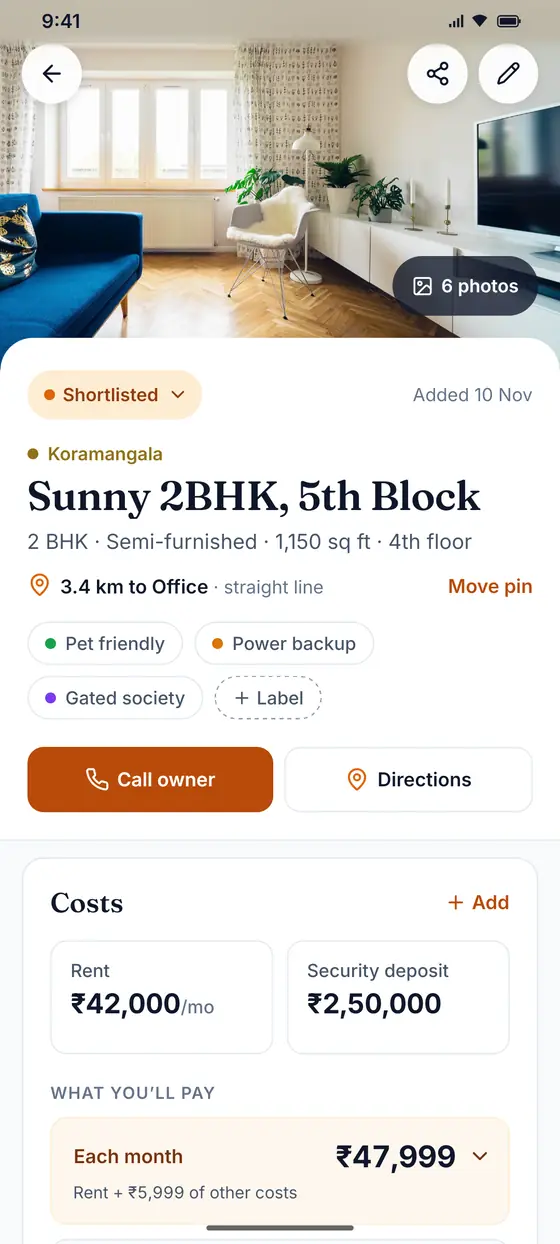
Add each flat as you find it: rent, deposit, BHK, furnishing, the owner’s number and a pin on the map. Skip what you don’t know yet. Flats are grouped by area, so Koramangala stays with Koramangala.
- Works without internet. Save in a lift or a basement, and it syncs when you’re back online.
- Keep separate searches apart with chapters, such as “Bengaluru move” and “Closer to work”.
02 Costs
“What was the deposit again?”
Know what you’ll really pay.
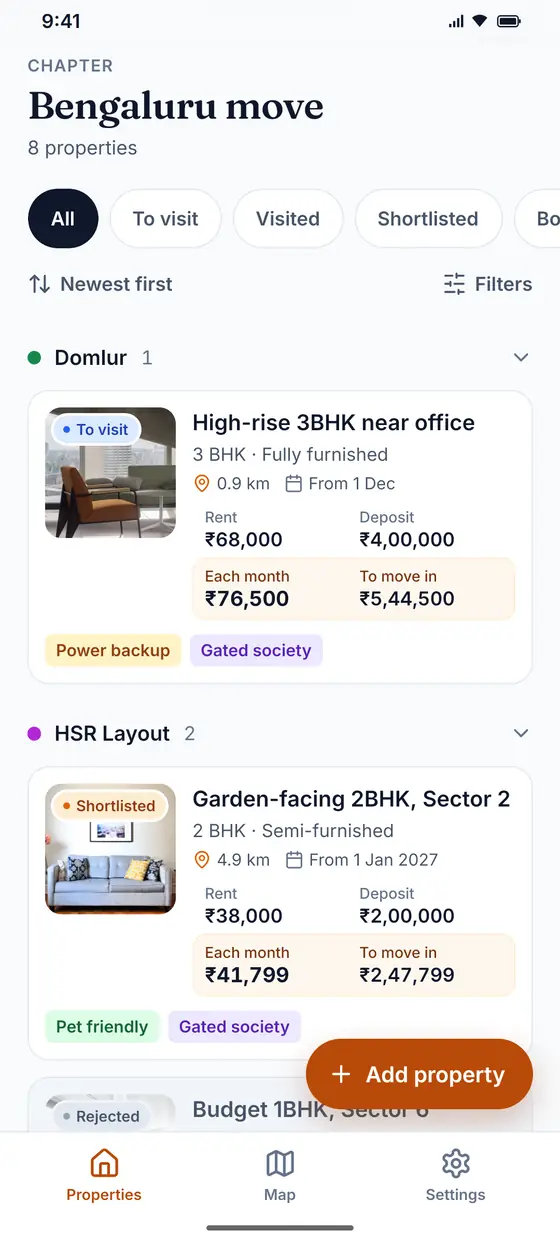
Rent is never the whole story. Add maintenance, parking, Wi-Fi and the water bill that comes every quarter, and each flat shows what it costs each month and what you need on the day you move in.
- Quarterly and yearly bills are spread across the months, so flats compare fairly.
- The deposit stays apart from what you pay, so the big number doesn’t hide the rest.
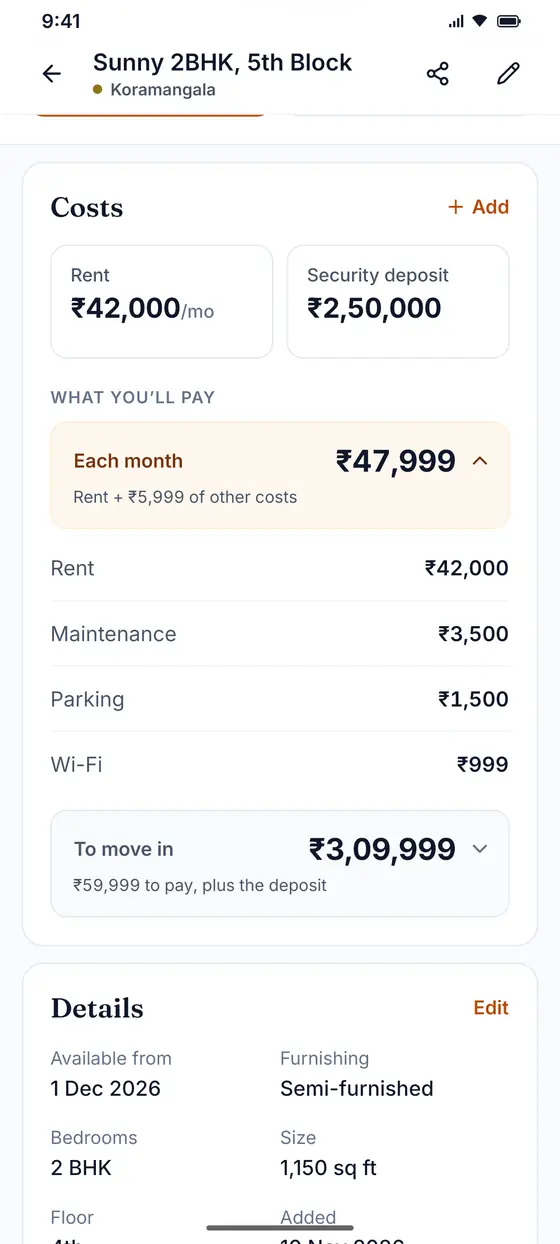
- Rent
- ₹42,000
- Maintenance
- ₹3,500
- Parking
- ₹1,500
- Wi-Fi
- ₹999
- Each month
- ₹47,999
- To move in
- ₹3,09,999
₹59,999 to pay on the day, plus the ₹2,50,000 deposit.
03 Map
“How far is it from the office?”
Every flat on one map.
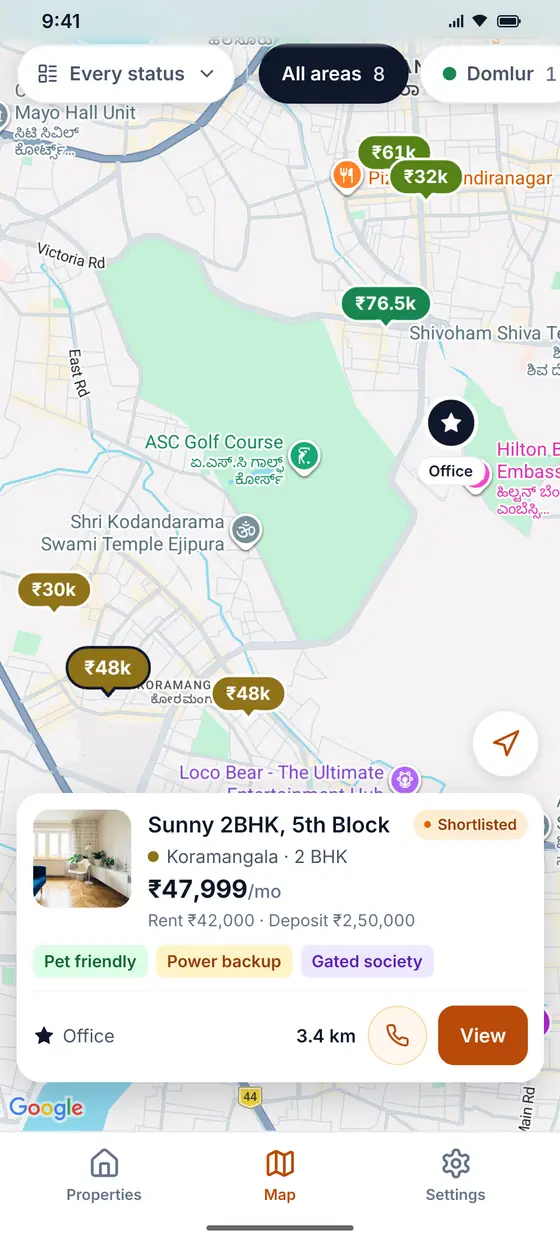
Each flat is a pin with its rent on it. Add the places that matter, such as your office, a gym or your parents’ home, and every flat shows how far it is from the one you choose.
- Filter the map by status or by area.
- Distances are in a straight line, not by road, and the app says so.
04 Visits
“Was that the one with the balcony?”
Remember every visit.
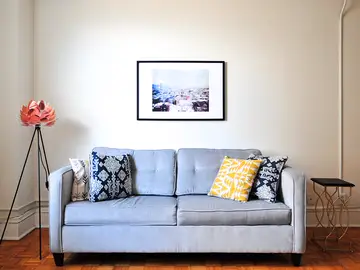
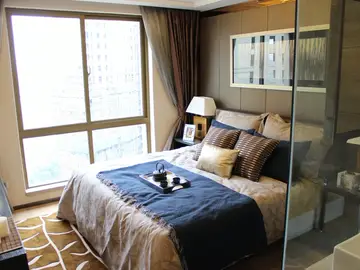
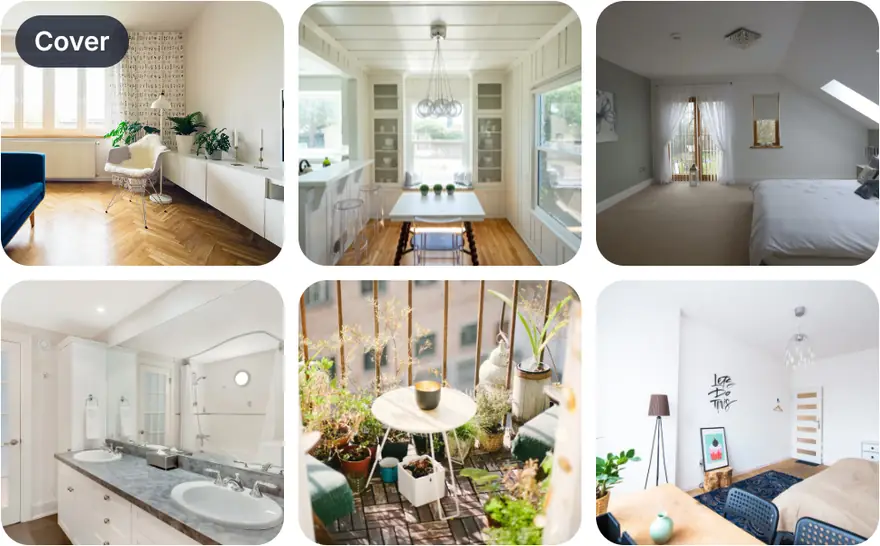
Take photos and videos on a visit and they stay with the flat they belong to, not lost among a thousand others in your gallery. Notes hold what a photo can’t, such as the water pressure or the noise from the road.
- Pick a cover photo, so each flat is easy to spot on the list.
05 Share
“Can you send me the details?”
Share a flat in one link.
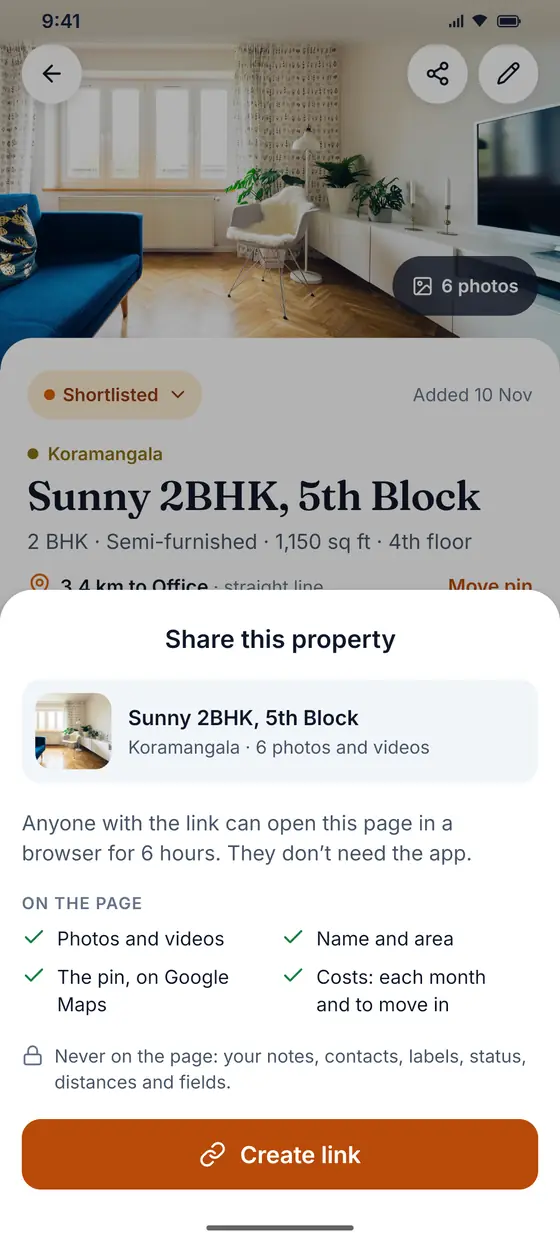
Your flatmate or your parents can see a flat without installing anything. The link opens a page with its photos, videos, location and costs, and stops working after 6 hours, or as soon as you stop sharing.
- Your notes, contacts and labels never appear on the page.
06 Decide
“So… which one do we pick?”
Take each flat to a decision.
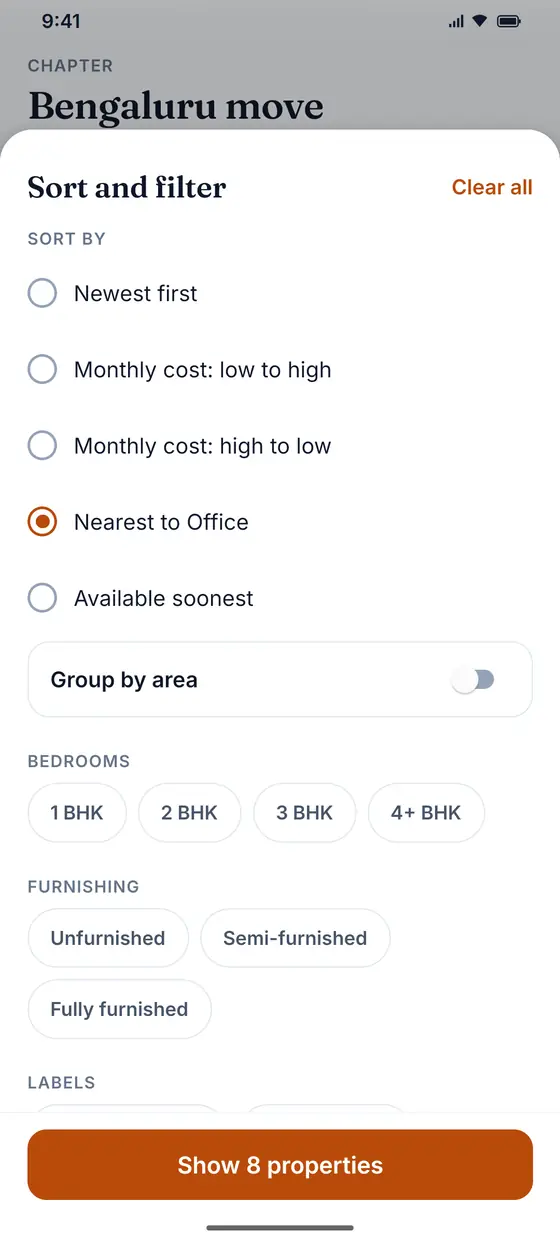
Move each flat along as you go. Sort by what it costs each month, by how near it is to your office or by when it’s free, and the choice gets smaller every day.
- To visit
- Visited
- Shortlisted
- Booked
or Rejected, which steps back on the list
The whole hunt in 40 seconds.
From a phone full of chats and listings to the one flat you’re sure about.
Your shortlist stays yours.
It isn’t a listings portal. There are no paid placements and no brokers on the other end: just your own notes on the flats you found.
- No ads, and we never sell your information.
- Your notes and contacts never appear on a shared page.
- Shared links stop working after 6 hours.
- Delete your account from the app whenever you like.
Does it work without an internet connection?
You need a connection to sign in. After that you can add and edit flats without one: your changes are saved on your phone and sync when you’re back online.
A few things need a connection: creating or stopping a shared link, starting or switching chapters, changing landmarks, and searching for a place on the map.
How does it work out what a flat costs?
Each month adds the rent to every other cost you add, such as maintenance, parking or Wi-Fi. A bill that comes every quarter or every year is spread across its months, so ₹3,000 a quarter counts as ₹1,000 a month.
To move in is the deposit plus what you pay on the day: the first month’s rent, any one-time costs, and the first quarterly or yearly bills, which are paid upfront.
Who can see my flats?
Only you, when you’re signed in. If you share a flat, anyone with the link can see its name, area, location, photos, videos and costs for 6 hours. They never see your notes, contacts, labels or status.
How do I delete my account?
In the app, go to Settings › Delete account. The steps, what’s deleted, and how to ask without the app are on Delete your account.
Save. Compare. Decide.
Start with the flat you saw today.